
CICADATAK
Firmware v0.23.0
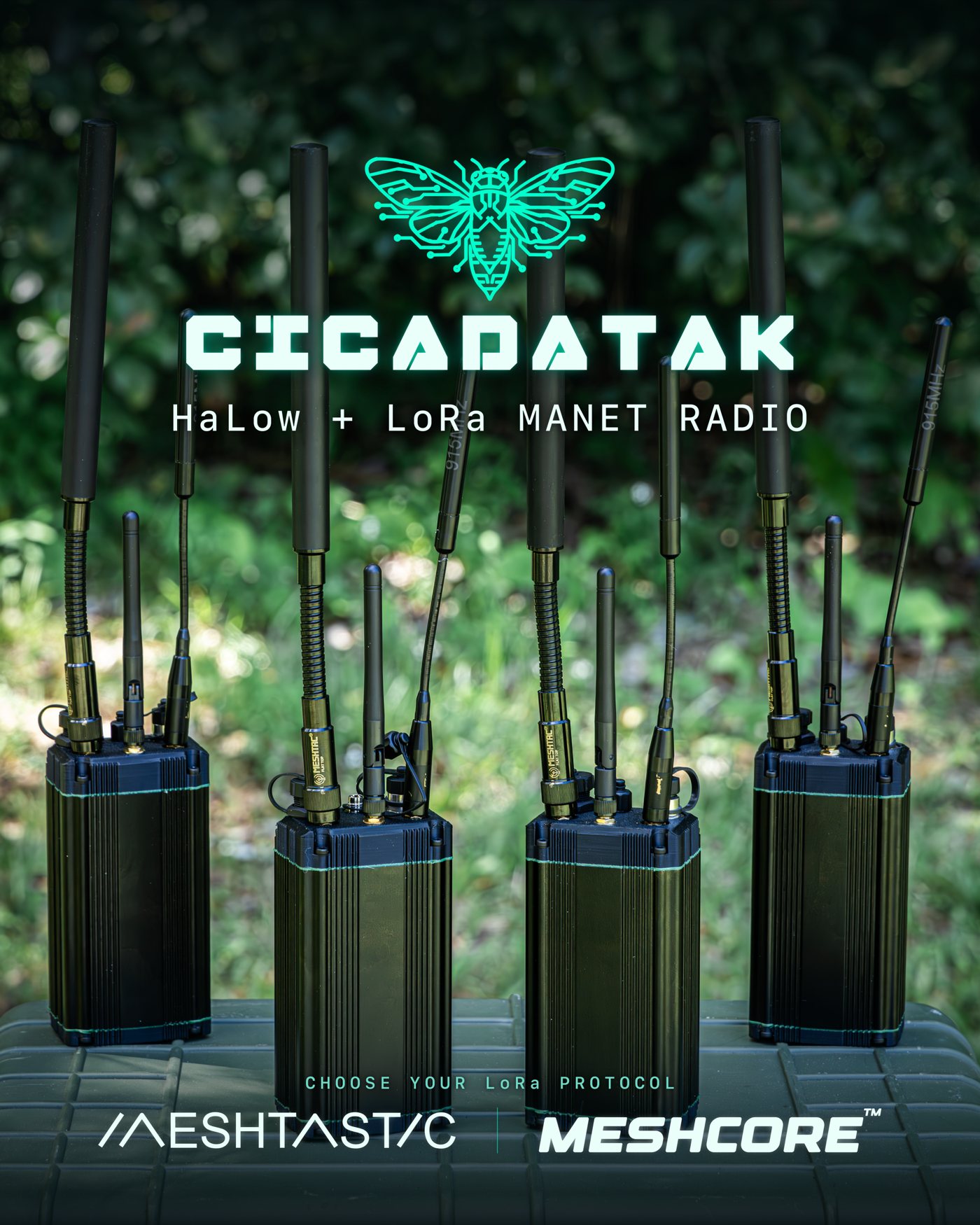
MANET radios with mesh text, image, voice, GPS tracking, and internet backhaul — no cell towers, no infrastructure, no subscriptions.
Link
ENCRYPTED
Band
914 MHz S1G
Range
1+ mi / hop
Mesh
SELF-HEALING
Firmware v0.23.0
MANET radios with mesh text, image, voice, GPS tracking, and internet backhaul — no cell towers, no infrastructure, no subscriptions.
Encrypted text and image messages over the mesh. No cell service needed — messages hop across nodes automatically.
Opus-encoded PTT audio over the mesh. Hold the button, talk, release. Works like a radio.
Every node shares its position. See your whole team on an offline map with satellite imagery cached on-device.
Optional LoRa radio extends alerts and positions to Meshtastic devices — a second comms radio alongside the HaLow mesh.
If any node has an ethernet or Starlink uplink, it shares internet to every other node and connected phone.
Broadcasts Cursor on Target (CoT) messages. Interoperates with ATAK, iTAK, and WinTAK over the mesh.
WPA3-SAE on the radio link, plus a team passphrase for application-layer E2E. No data leaves your mesh.
Nodes find each other, relay traffic, and reroute around failures automatically. No planning, no pairing.
Two radios do the comms — a long-range HaLow mesh and a low-rate LoRa bridge — for reach and interoperability. The third is a WiFi access point: it's simply how your phone connects to run the app, not a comms link.
Morse Micro 802.11ah carries the mesh backbone — over a mile per hop, self-healing multi-hop routing for text, images, voice, and CoT.
How your phone connects to the node to run the CicadaTAK app — no pairing, no cables. It's your control link to the node, not a comms radio.
An optional Heltec LoRa radio extends positions and alerts to the wider Meshtastic ecosystem when HaLow range runs out.
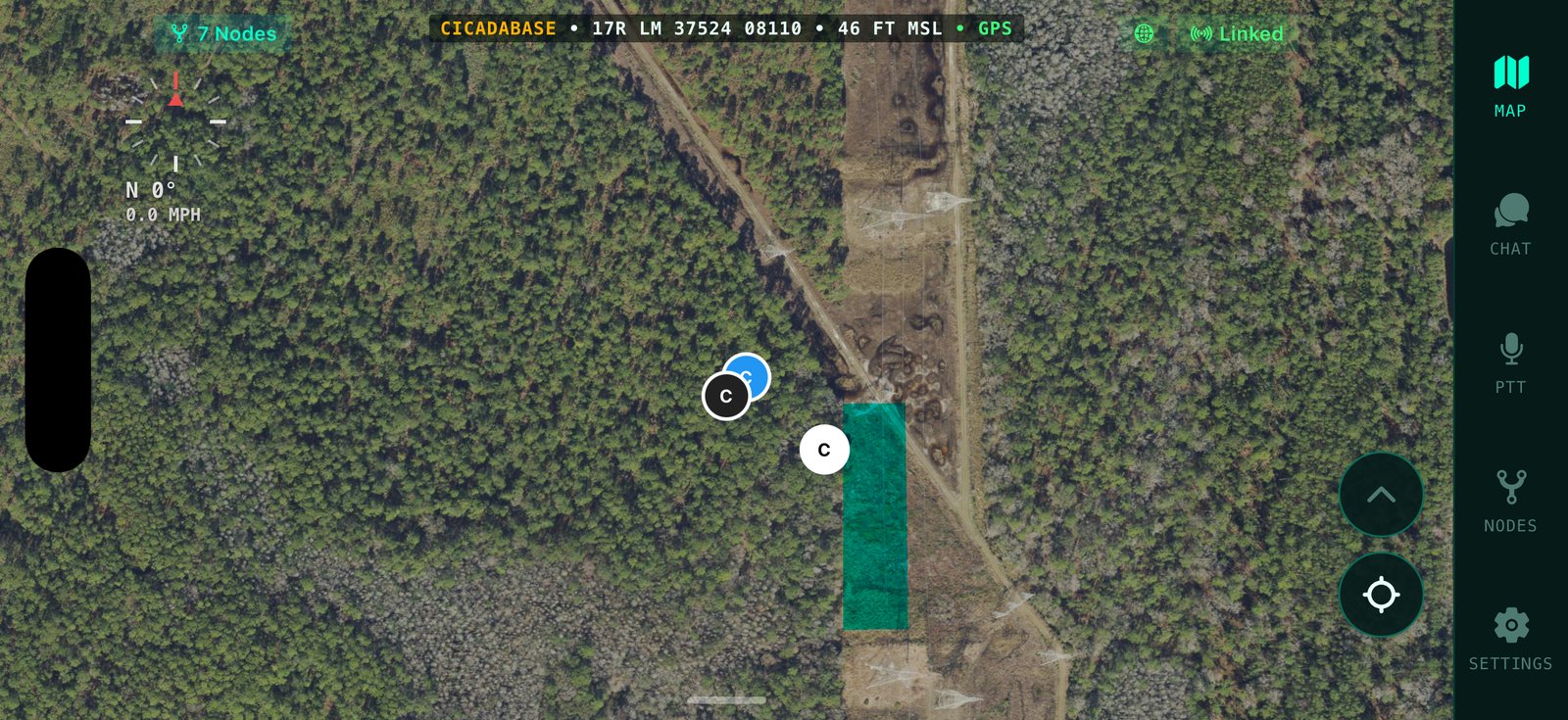
The hardware is half the story. The app is the rest — available on iOS and Android, no account, no sign-up, no server. Your whole team live on cached satellite maps, chat and photos, push-to-talk voice, the mesh drawn link by link, and every radio setting — from the phone already in your pocket.
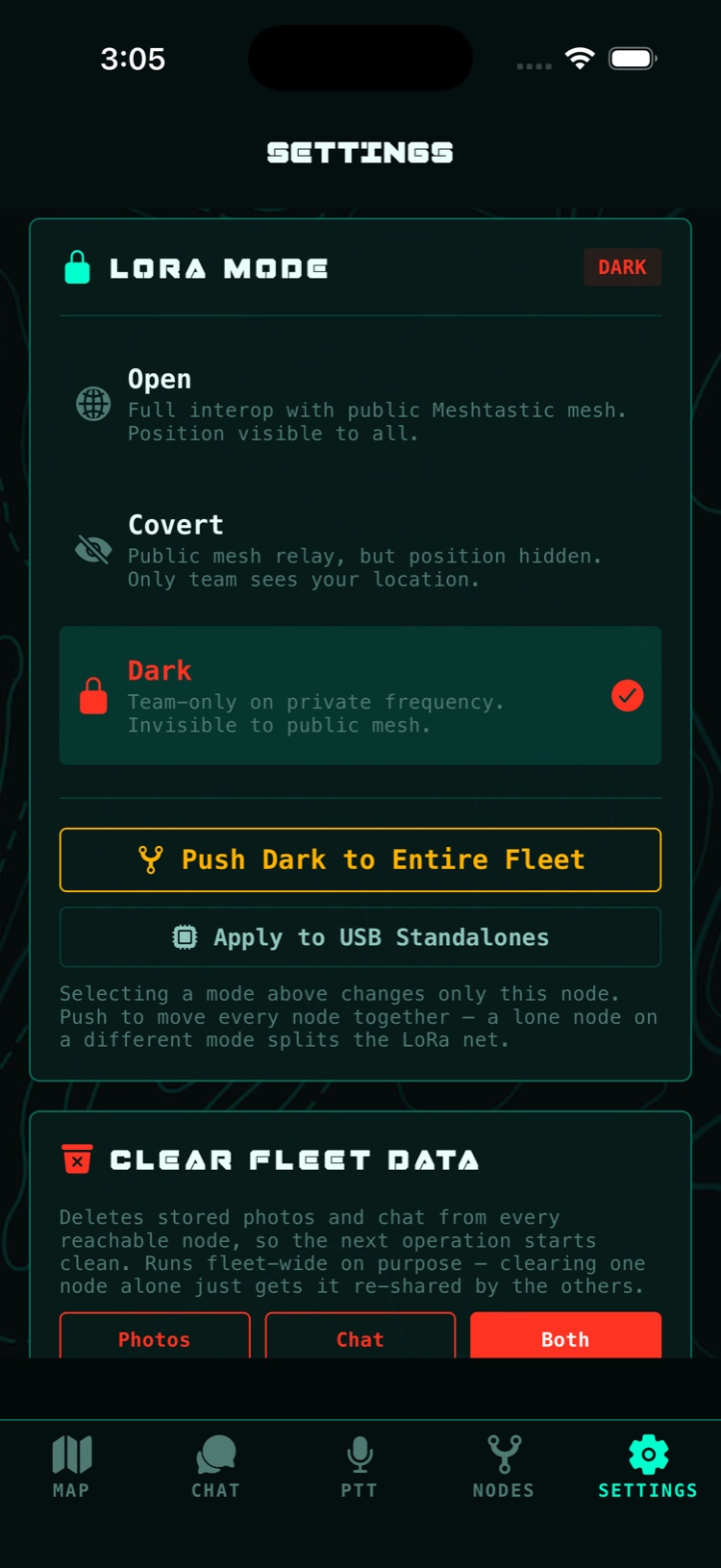
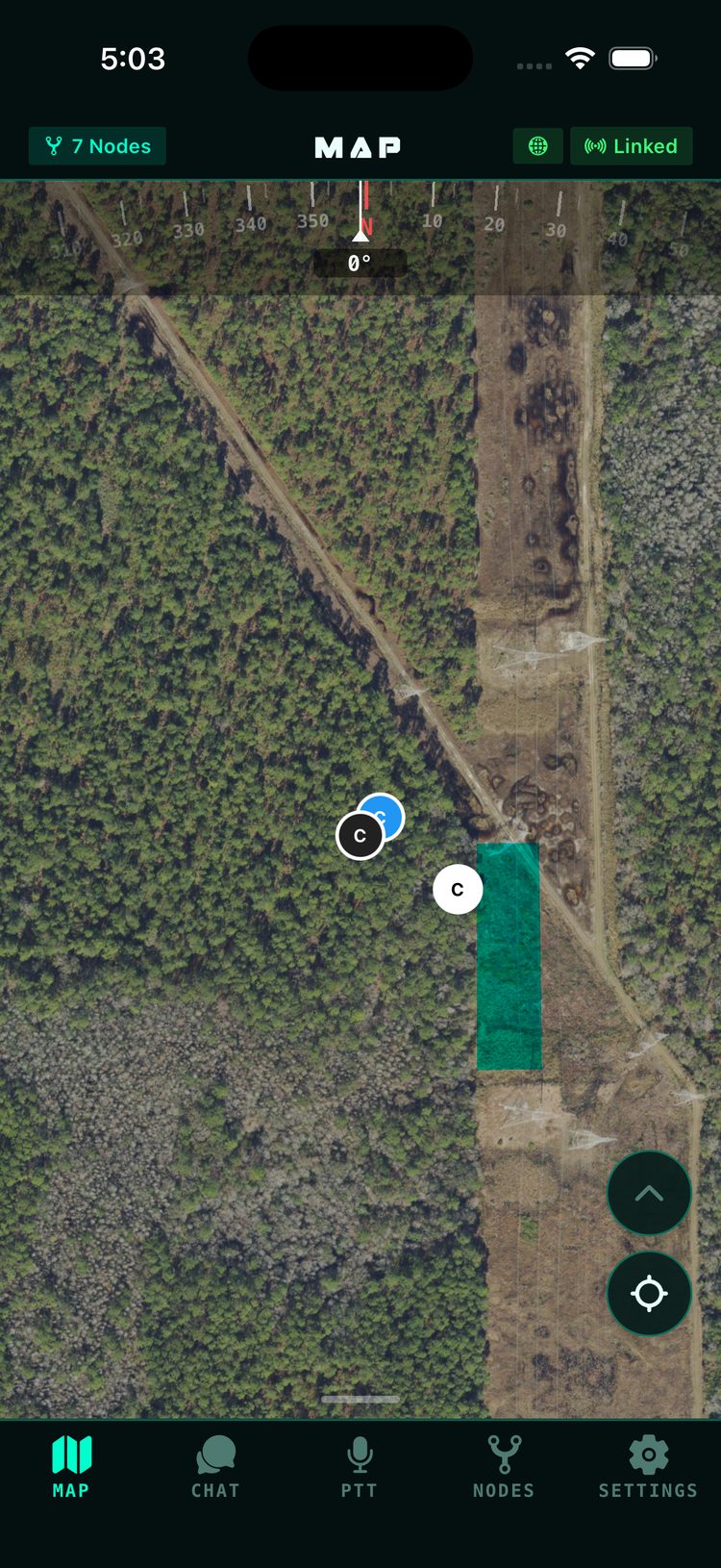
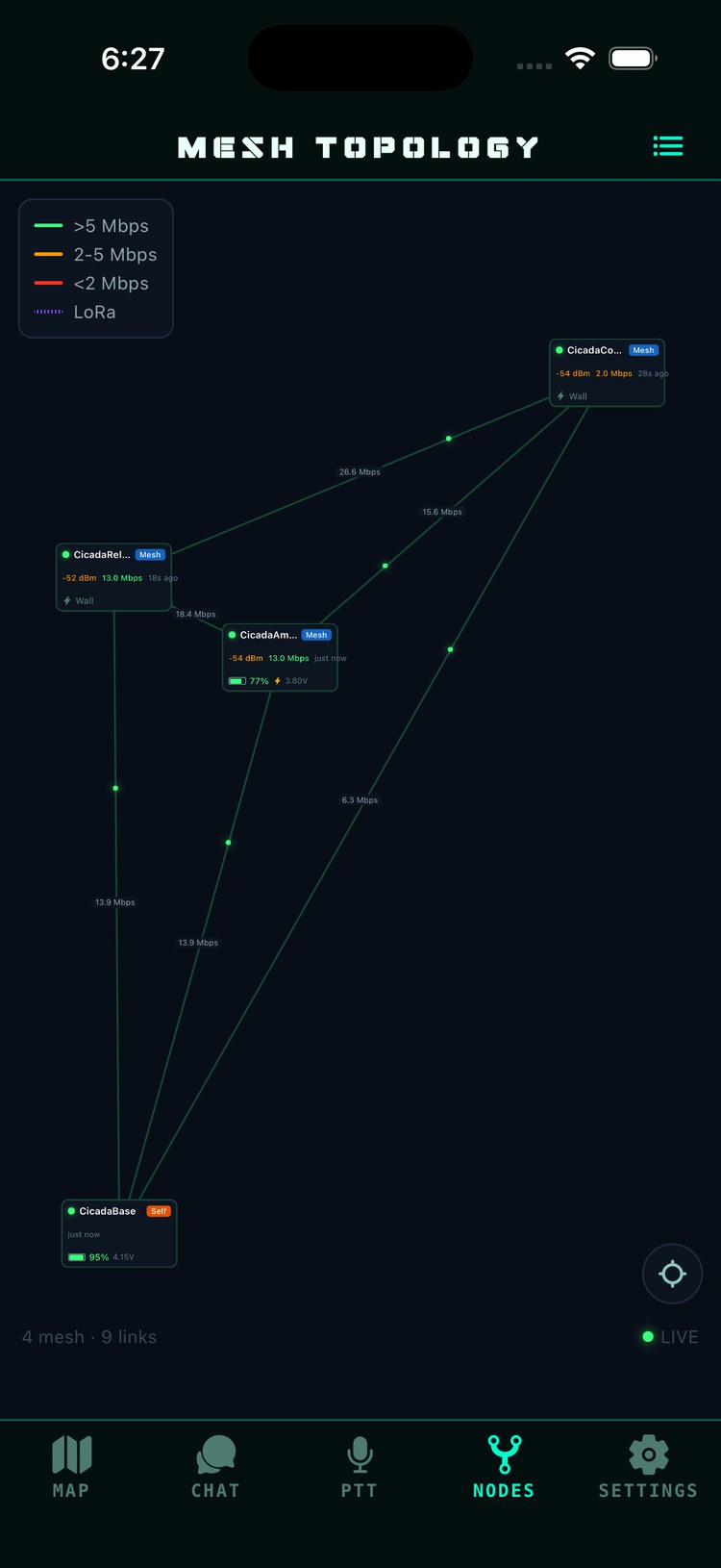
Off the grid, comms fail first. Past the last cell tower your phones go quiet, and voice-only radios keep you talking but blind — no positions, no pictures, no shared map. The MANET radios that actually move data exist; they're priced for government programs, not for teams.
CicadaTAK closes that gap. Each node is a handheld mesh radio that gives your whole team encrypted text, photos, push-to-talk voice, and live GPS tracking on offline maps — no tower, no server, no subscription. Nodes find each other and relay automatically, so coverage grows with every radio you add, and if any node picks up an uplink — ethernet or Starlink — the entire team has internet through it. It speaks Cursor on Target too, so ATAK users share the same picture.
Get there either way: build your own from the parts list and free firmware, or start from the Builder Kit — a node pre-assembled up to the radios, where you add two boards with a screwdriver and the build is yours. Fully-assembled units come once FCC certification of the complete device is done — get notified. Under the hood it stands on serious open-source radio work — credited fully.
No SSH. No command line. No server to stand up. Just turn it on and go.
// No subscriptions · no cell towers · no infrastructure //
Want a heads-up when new firmware ships? Join the release list · email only · no tracking · unsubscribe any time